Before
After

Product cutout
Free AI background remover
Upload a photo and get a clean cutout. Processing prefers your device (WebGPU/WASM); a secure server handles devices that cannot run the model locally.
On supported devices the image stays in your browser. Otherwise a secure server fallback is used.
Real before and after results
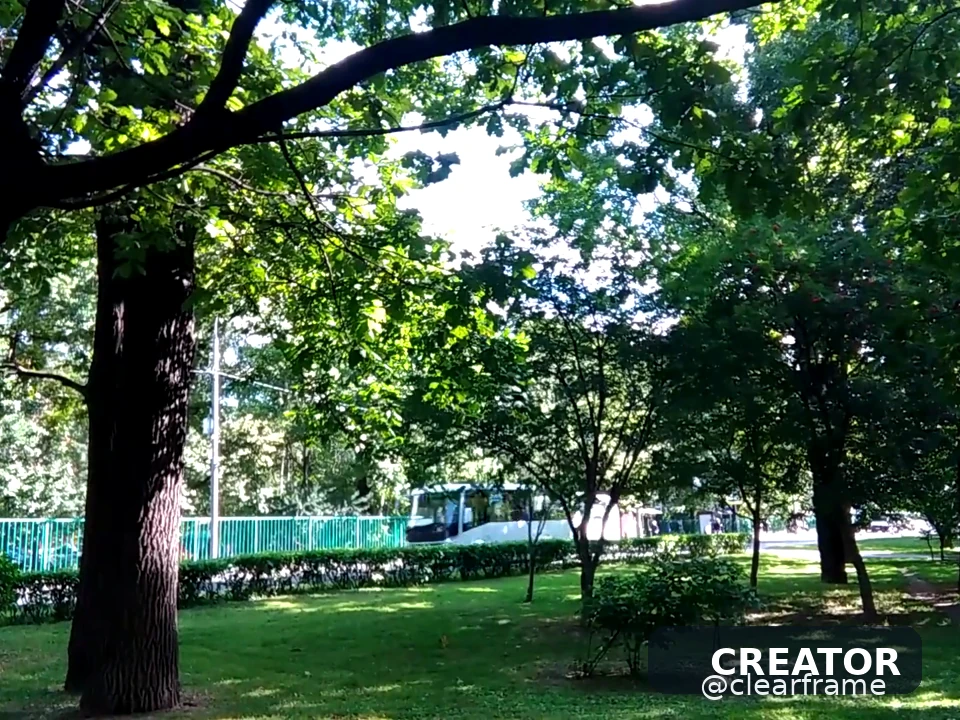
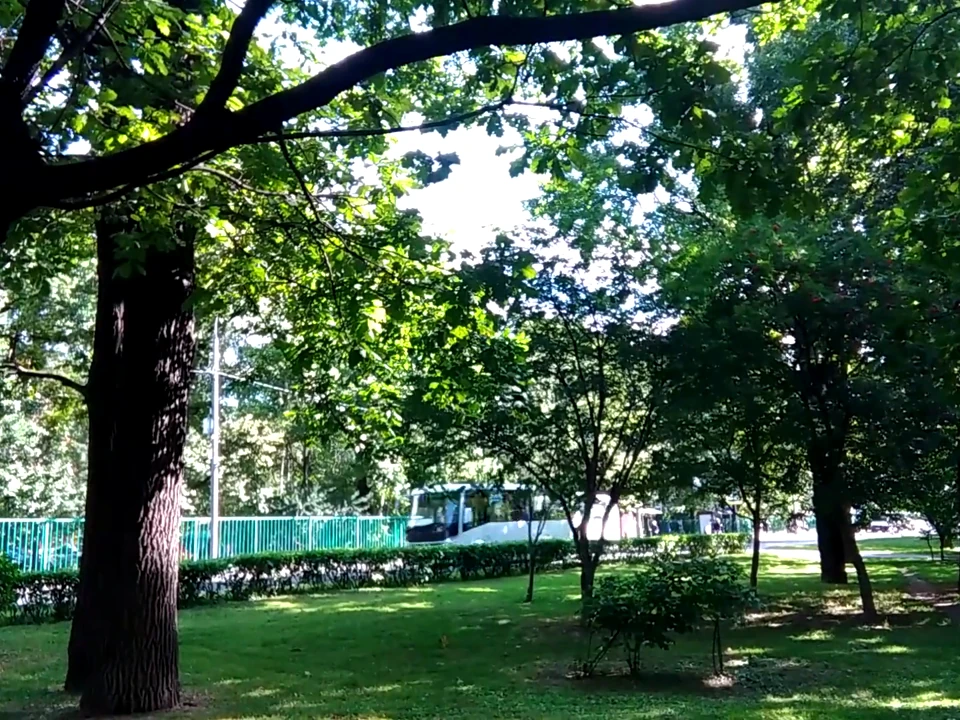
See how clean removal looks on common logo, text and social-video overlays.
Before
After
Product cutout
Before
After
Corner logo
Context-aware cleanup
Clearframe runs BiRefNet_lite in the browser when possible, upsamples the mask to your original resolution (up to 25 MP), and lets you export transparent PNG/WebP or JPG on a solid color.
Images stay in the browser on capable devices. The UI always shows whether processing was local or on the server.
The alpha matte is upsampled onto your source pixels — no forced 2048 downscale for export.
Process up to 20 images sequentially, download a ZIP, or send a cutout into the watermark remover next.
BiRefNet_lite runs in your browser when WebGPU (or WASM) is available. The first visit downloads about 115 MB of MIT-licensed ONNX weights and caches them for later visits.
The mask is predicted at 1024² and bilinearly upsampled onto your original pixels (capped at 25 megapixels). That keeps fine edges without forcing a 2048 long-edge downscale on export.
If the device cannot run the model, Clearframe falls back to the same BiRefNet_lite weights on the API. The tool always labels the result as on-device or secure server so privacy claims stay honest.
Three simple steps
JPG, PNG or WEBP up to 10 MB. Batch mode queues images and runs them one by one.
The model downloads once from Clearframe (~100–180 MB depending on WebGPU vs WASM), caches in your browser, and shows progress while loading.
Compare before/after on a checkerboard, drop in a color or image, then export PNG, WebP or JPG.
Clear answers
Processing, quality, formats and responsible use.
Yes. No account and no watermark on exports. Fair use limits may apply on the server fallback so the API stays available.
Not when on-device processing succeeds. If WebGPU/WASM cannot run the model, the image is sent to the Clearframe API over HTTPS and deleted after processing.
BiRefNet_lite (MIT) via ONNX. Weights are vendored in this project and served from Clearframe's own API (/models/browser); WebGPU uses the 1024² export and WASM uses a 512² re-export. You can point NEXT_PUBLIC_BG_MODEL_BASE_URL at a CDN later.
Yes. Use “Next: remove watermark” to hand the transparent PNG to the image tool in the same tab.
No. Images are processed one after another for stability on WebGPU, then packaged as a ZIP.
Keep editing