Before

After
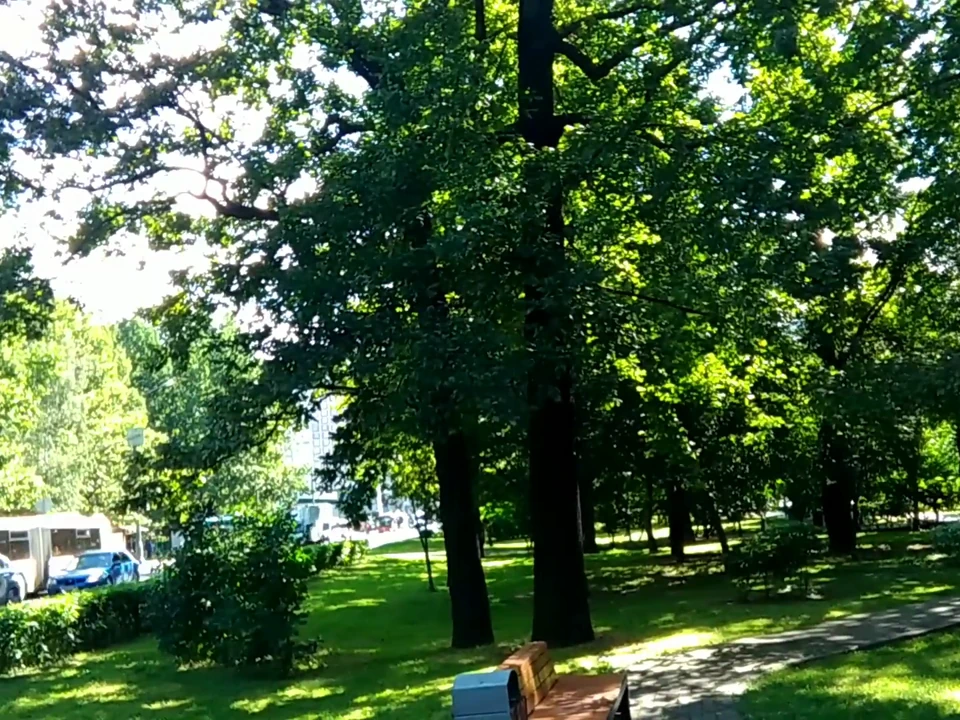
Text watermark
AI object remover
Erase distracting people, signs, cables or clutter with the same context-aware brush used for watermark cleanup.
Files are processed temporarily and deleted after the job.
Real before and after results
See how clean removal looks on common logo, text and social-video overlays.
Before
After
Text watermark
Before
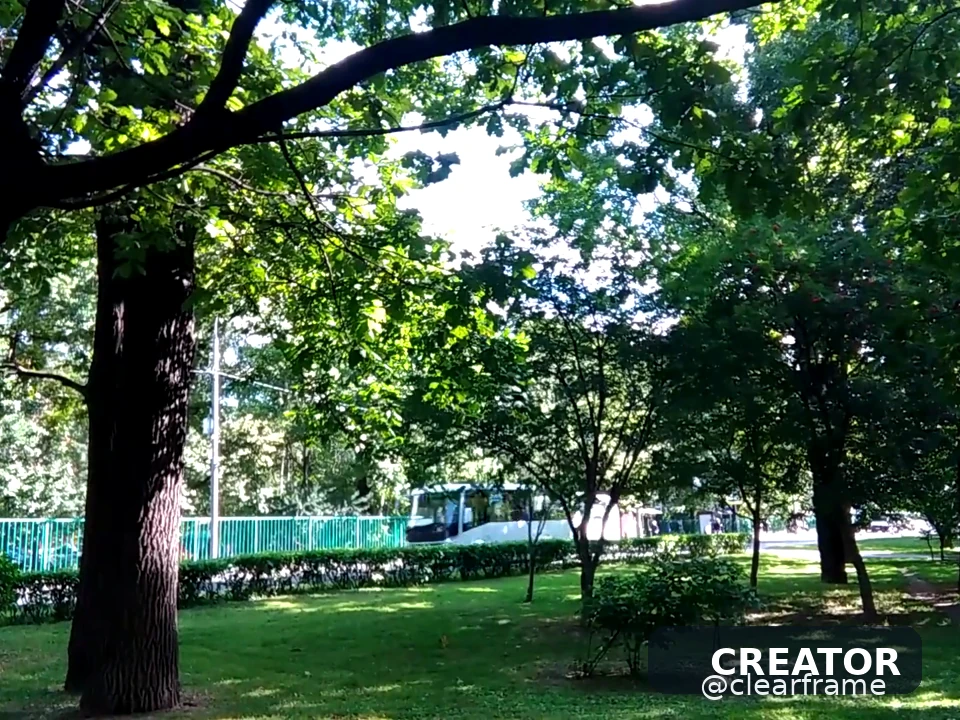
After
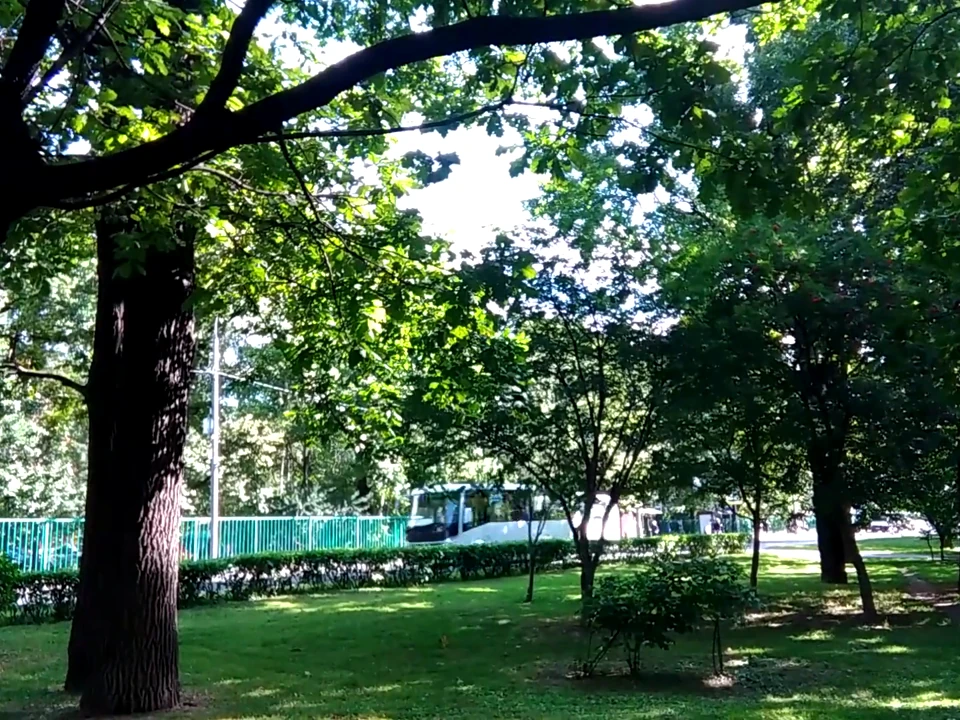
Corner logo
Context-aware cleanup
The inpainting model considers texture around your selection and generates a replacement that blends with the surrounding image.
Paint irregular shapes instead of being limited to a rectangle.
Rebuild sky, walls, grass and other surrounding textures.
Remove several small distractions one at a time for control.
Large people, cars or signs need a mask that follows the outline, not a loose rectangle that also covers the subject you want to keep. Do several small passes instead of one giant brush stroke.
Repeating textures (sky, grass, brick) reconstruct more cleanly than unique faces or lettering behind the object. If the object covers text you need, this tool cannot recover that text.
Three simple steps
Choose a clear image with context around the unwanted object.
Cover its complete silhouette, including shadows if needed.
Review the reconstruction and retry with a refined mask.
Clear answers
Processing, quality, formats and responsible use.
Yes, especially when the surrounding background provides enough context to reconstruct.
Large foreground subjects covering faces, detailed text or unique structures are more challenging.
Yes. Small, separate passes often produce more controlled results.
Sometimes, if they stand on a simple background. Overlapping bodies and complex clothing folds often need a second pass or a different crop.
Keep editing